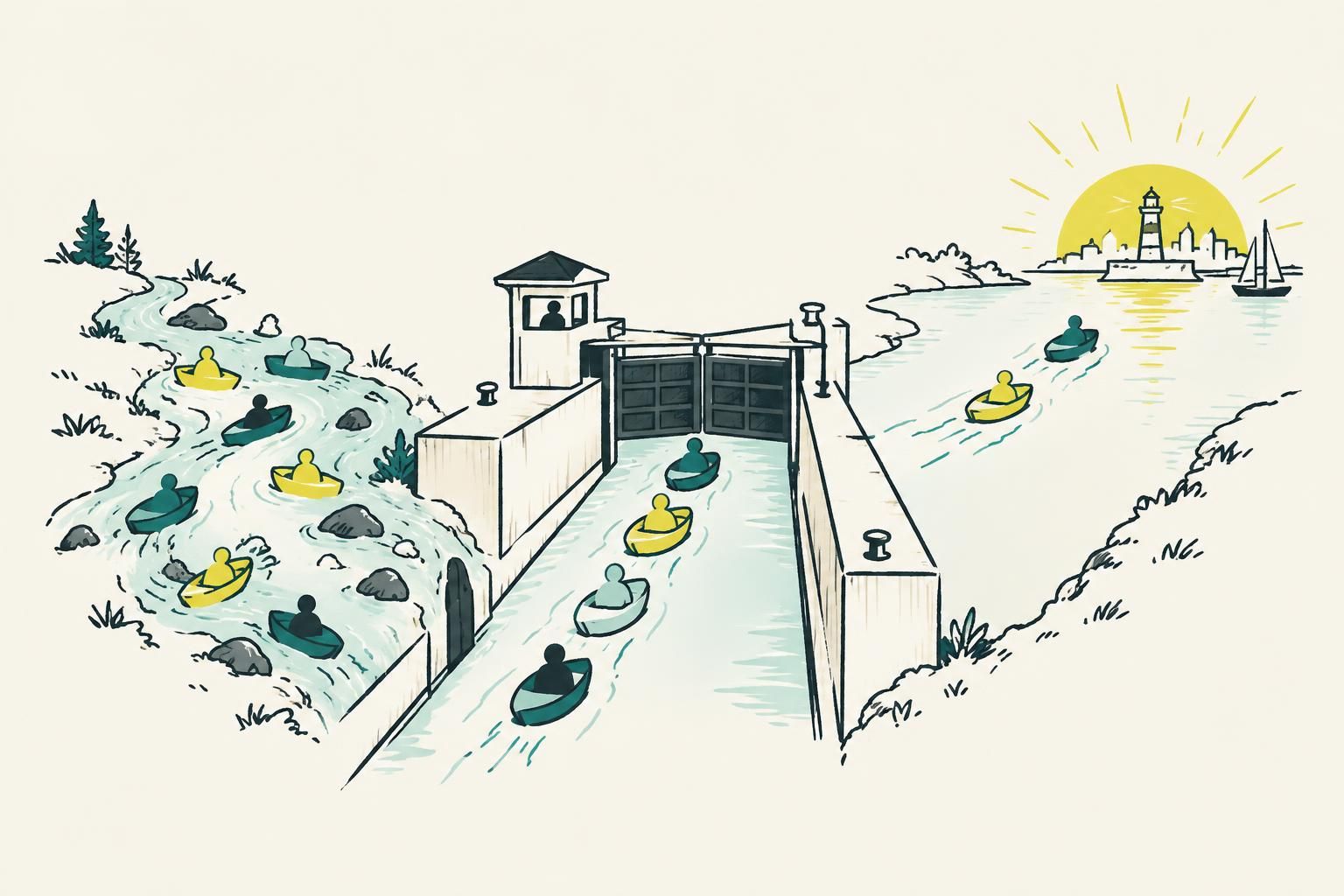
A sudden traffic drop is a diagnosis problem before it is an SEO problem. Do not rewrite pages, change titles, or publish more content until you know what changed, where the decline started, and whether it affects search visibility, a specific channel, or measurement itself.
Step 1: Confirm that the traffic drop is real before changing anything
Start by checking whether the fall appears in more than one source. Compare your analytics platform with server or CDN logs where available, then compare organic sessions with Google Search Console clicks. A tracking-tag failure, consent configuration change, timezone mismatch, dashboard filter, or broken data pipeline can make healthy traffic look like a collapse.
Use like-for-like comparison periods. A day-over-day chart is useful for spotting an abrupt break, but compare the same weekdays across a longer period before calling it a ranking problem. Separate branded and non-branded organic traffic if you can. A decline in one is often a different problem from a decline in the other.

Step 2: Identify exactly what fell: channel, landing pages, queries, rankings, or conversions
“Traffic is down” is too broad to act on. Segment the drop into direct, referral, paid, email, social, and organic search. Then inspect organic landing pages, search queries, countries, devices, and page groups. A decline confined to paid traffic needs a different response from a decline in Google clicks to a handful of high-intent pages.
Also check conversions. If sessions fell but trials, demos, or purchases held steady, the lost visits may have been low-value traffic. If a small set of pricing, comparison, integration, feature, or solution pages lost both traffic and conversion activity, put those pages at the front of the investigation.
For SaaS teams, map each affected URL to a job: acquisition, activation, evaluation, or support. This turns a vague SEO incident into a business-impact list. Your broader channel plan should still account for the relationship between search, lifecycle, partnerships, and paid acquisition. Use this guide to building compounding SaaS growth to keep that context visible.
Step 3: Find the first day of the decline and build a change timeline
Pinpoint the first meaningful day, not merely the lowest point on the chart. Then create a simple timeline covering the two to four weeks before and after it. Record deployments, redirects, template releases, CMS changes, domain and DNS work, consent-banner edits, robots.txt edits, sitemap updates, canonical changes, content publishing, title rewrites, outages, and marketing campaign changes.
Ask engineering, product, marketing, and whoever owns infrastructure for their release history. A release can coincide with a search drop and can affect metadata, internal links, rendering, or page-status behavior; compare release history with the affected URLs and timing.
- Mark the first confirmed day of the decline.
- List every production, content, analytics, and infrastructure change near that date.
- Match each change to the affected URL group, device, country, and channel.
- Revert or isolate only the changes that match the evidence.
Step 4: Use Google Search Console to read clicks, impressions, CTR, and position together
Search Console is most useful when you read its metrics as a set. Clicks down with impressions down often signals reduced visibility or demand. Impressions stable with clicks down can point to lower click-through rate, title or snippet changes, or a more crowded result page. Average position down on the same queries strengthens the ranking-loss case, while stable position with fewer impressions suggests you should investigate demand or query mix.

Filter one page or query group at a time. Compare the affected period with an equivalent earlier period, then inspect which queries and pages explain the largest share of lost clicks. Do not treat average position as a page-level verdict. It aggregates many queries, locations, devices, and result types. Look for consistent movement in the queries that actually drive qualified visits.
Export a baseline before changing content. Save clicks, impressions, CTR, and position for priority URLs, along with their main queries. This baseline lets you judge whether a later rewrite restored visibility or merely coincided with normal variation.
Step 5: Check whether Google can crawl, render, and index your important pages
If many pages drop at once, inspect technical access before debating content quality. Confirm that important URLs return the intended status code, load for users, are not blocked by robots rules, and point to the intended canonical URL. Check that the pages are included in the sitemap and that internal links still lead to them.
For JavaScript-heavy sites, verify the rendered page rather than only the initial response. A page can appear complete in local development yet expose missing primary text, links, metadata, or structured elements in production. Compare an affected URL with an unaffected equivalent page. That comparison is usually more informative than a generic audit score.
Prioritize the pages that create trials or revenue, then work outward to supporting content. For a practical framework on page accessibility, architecture, and implementation checks, read the technical SEO guide for SaaS.
Step 6: Audit recent site, template, migration, and deployment changes
A sitewide decline often has a sitewide cause. Review route generation, redirects, canonical tags, robots directives, pagination, hreflang where relevant, title and description templates, structured data, navigation, footer links, and sitemap generation. A migration can preserve page copy while quietly changing the signals that help search engines understand and reach it.
For static sites and framework-based blogs, check the production build rather than assuming the repository is correct. Confirm that old URLs redirect once to the best new equivalent, not to a chain, a generic category, or the homepage. Confirm that canonical URLs use the preferred host and protocol consistently. Then spot-check affected pages in the deployed environment.
Treat reduced internal linking as a serious release regression. When a redesign removes contextual links, hub pages, category navigation, or related-post modules, older articles can become harder to discover and less clearly connected to the rest of the site.
Step 7: Separate a ranking loss from changing demand, competitors, and SERP features
Not every click loss means your page became worse. Search demand can change, query wording can shift, competitors can improve, and the results page can show more ads, videos, shopping results, forums, maps, or answer features. Start with the query set that declined and inspect the current results manually. Compare search intent, page formats, freshness, specificity, and the source types that now appear.
If rankings and impressions fell for a focused cluster, investigate relevance, depth, freshness, and internal authority. If impressions are flat but CTR has weakened, make the snippet earn the click without making promises the page cannot keep. If demand itself has fallen, protect conversion rate on the remaining visits rather than trying to manufacture a recovery through cosmetic page edits.
Do not copy a competitor’s format blindly. Identify the unresolved buyer question your product can answer with more precision, evidence, examples, or implementation detail. That approach is central to SaaS SEO content marketing that earns qualified visits instead of chasing broad volume.
Step 8: Check for manual actions, security problems, and lost authority
Review Search Console messages and manual-action or security reports. Check whether important pages were hacked, injected with unwanted content, redirected, or altered by an unauthorized integration. These issues deserve immediate containment because they affect users as well as visibility.
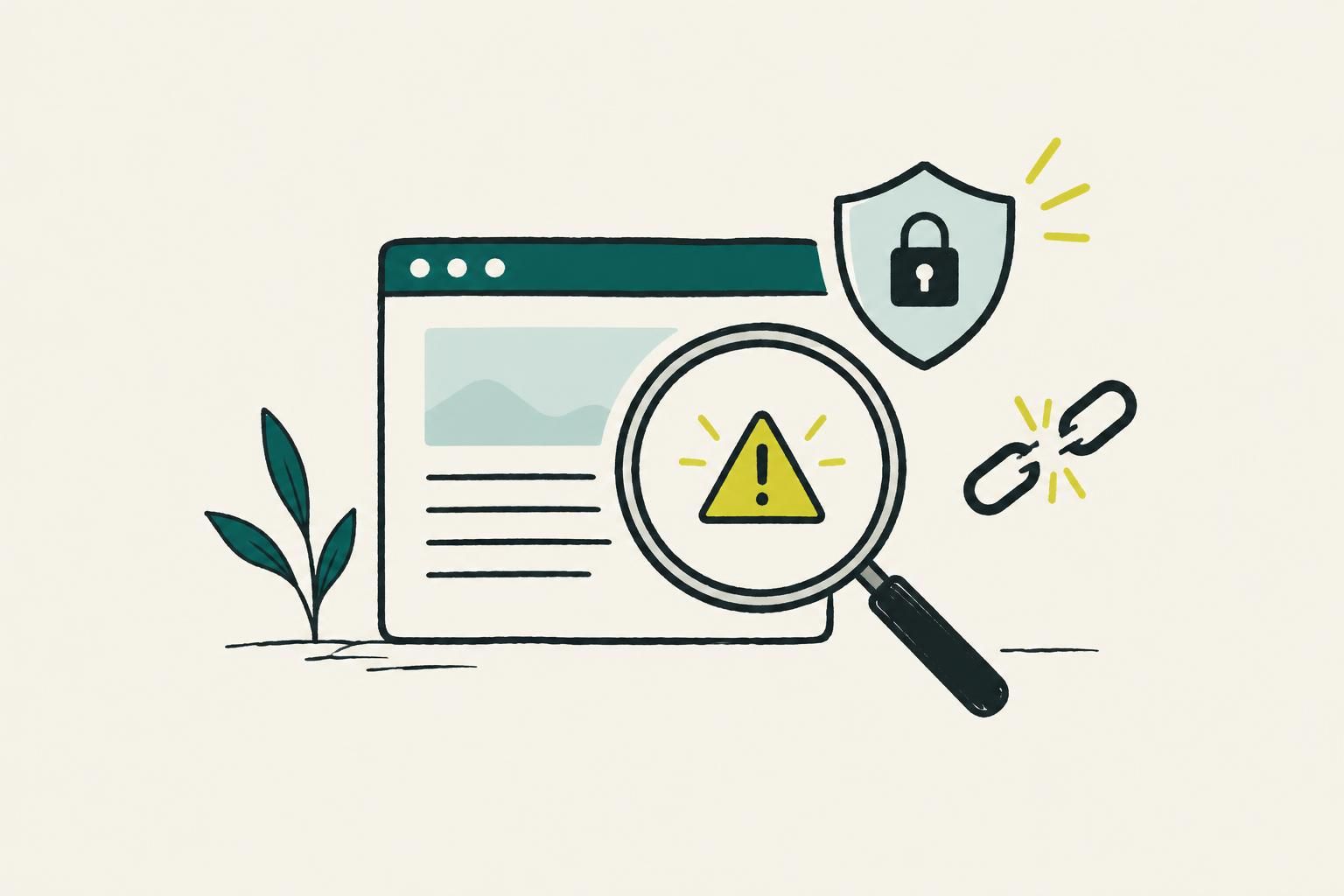
Then assess authority loss with restraint. Look for major referring pages that disappeared, changed their links, or were redirected. A few lost links do not explain every decline, and buying a burst of irrelevant links is not a recovery plan. Restore legitimate broken links, improve pages that deserve references, and create useful assets that partners and publications can cite.
A durable link program begins with content worth recommending, clear outreach targets, and pages that support a genuine claim or task. The SaaS guide to content-led link building explains how to make that work part of your content system.
Step 9: Prioritize recovery work by business impact and likely cause
Do not create a 200-item SEO backlog and call it a plan. Rank issues by affected business value, size of the lost opportunity, confidence in the diagnosis, and effort to fix. A broken canonical on a product page that generates demos deserves attention before a small CTR decline on a low-intent glossary post.
Group your work into three queues: urgent technical defects, high-value pages with an evidence-backed content or snippet problem, and longer-term authority or content-architecture improvements. Assign an owner, expected signal, and review date to each item. One controlled change per page group makes results interpretable.
Step 10: Refresh declining pages when the evidence points to content decay or lost clicks
Refresh an existing URL when it still targets a useful buyer question but no longer matches the current search result, product category, or reader need. Keep the URL when its topic and intent remain valid. Update the answer, examples, source-backed claims, screenshots or product context where relevant, internal links, headings, metadata, and calls to the next useful page. Do not turn a narrow article into a different topic just to add words.
For early-stage teams, the practical goal is not maximum publishing volume. It is buyer-intent SEO articles that answer evaluation questions clearly enough to produce qualified trials. That means a declining post should be reworked against its lost queries and current intent, then measured on the same URL.
SEO for SaaS is a sensible fit for SaaS and app founders with engineering-owned blogs who need that ongoing work done for them. The service selects topics from site or App Store context and keyword data, produces researched and cited blog posts, supports review-first or automatic delivery, and monitors Search Console clicks for rewrites at the existing URL. Its API publishing for SEO content uses structured delivery for custom sites, rather than requiring a hosted blog.
This may be useful where the bottleneck is maintaining a credible content program after publication. Teams can publish to their own domain or use a review-first workflow, while Search Console monitoring can identify posts losing clicks for same-URL rewrites.
Content platforms vary in how they package ongoing publishing and optimization. RankYak Pro costs $99 per site/month and can publish one article per chosen publishing day, about 21/month on weekdays or about 30/month every day. Outrank’s Organic Growth Plan is $99/month or $999/year and includes 30 articles generated and published on autopilot, plus automated backlink building. SEObot lists plans from $49/month for 9 articles/month through $1,050/month for 300 articles/month. LLaMaRush Founder costs $79/month for about 30 articles and 30 images/month, while its Starter plan costs $29/month for about 8 articles and 8 images/month.
Step 11: Monitor recovery without creating new measurement noise
After a fix, monitor the metrics that matched your original diagnosis. For an indexing issue, watch page inclusion and impressions first. For a ranking issue, track the affected query set and landing pages. For a CTR problem, watch impressions and clicks together. For a conversion problem, monitor the intended conversion alongside organic visits.
Maintain a change log with the date, URLs, exact edit, owner, hypothesis, and outcome. Avoid changing titles, copy, internal links, templates, and redirects on the same day unless you are resolving an urgent defect. A disciplined log prevents teams from crediting the wrong change or repeatedly rewriting a page before the previous edit has had time to be evaluated.
Keep new content separate from recovery reporting. New articles can grow total traffic while an existing valuable page continues to decline. Report both: portfolio growth and recovery of the specific URLs that triggered the investigation.
Step 12: Answer common questions about a sudden website traffic drop
Use these answers as diagnostic prompts, not shortcuts. The right action follows the evidence in your affected channel, URL group, query set, and change timeline.

Why is my website not getting any traffic?
First verify tracking and compare analytics with Search Console. Then check whether pages are crawlable, indexable, internally linked, and aligned with queries people use. A new site may have limited visibility, while an established site with a sudden drop should be investigated for deployment changes, indexing problems, ranking losses, demand changes, or a measurement failure.
What is the 80/20 rule in SEO?
The 80/20 rule is a prioritization heuristic, not an SEO law. In practice, it means looking for the small group of pages, queries, technical defects, or actions responsible for most business impact. Use your own Search Console and conversion data to identify that group rather than assuming a fixed ratio.
Is internet traffic declining?
Do not use a broad claim about internet traffic to explain a site-level decline. Diagnose your own channel, country, device, landing pages, and queries. If impressions, rankings, or conversion behavior changed, those patterns give you a more useful explanation than an industry-wide theory.
Why has my website dropped in rankings?
Ranking losses commonly follow technical access or indexing changes, reduced relevance to the query, stronger competing pages, altered search intent, weakened internal linking, or lost authority signals. Find the first date, isolate the affected queries and URLs, inspect current results, and correct the cause that matches the evidence.
Step 13: Choose the next action based on evidence, not the loudest SEO theory
Use the diagnosis to make one clear decision. Fix infrastructure when crawling, rendering, indexing, redirects, or canonicals are wrong. Improve or refresh pages when the evidence shows lost relevance, stale information, weak snippets, or changed intent. Build stronger internal pathways and useful reference-worthy assets when valuable content lacks support. Preserve what is working while you repair what is not.
The strongest recovery process is repeatable: establish a baseline, isolate the affected segment, build a timeline, test the most likely cause, make controlled changes, and measure the same segment again. For B2B teams, connect that process to pipeline quality, not raw visits alone. This B2B SaaS content marketing guide can help keep that standard in place as your content library grows.